What is an electronic signature?
An electronic signature, or e-signature, may consist of a sound, symbol, or process associated with a record — such as a contract or agreement — and executed by someone with the intent to sign it. These virtual signatures allow you to give consent or approve a document’s content.
Read on for more about what electronic signatures are, the benefits they bring, and the types of business use cases where they really matter.
Key highlights:
- An electronic signature is a mark or action linked to a document and executed by someone with the intent of applying their signature
- Electronic document signing speeds up processes and reduces paperwork by letting you sign contracts, agreements, and other important documents from anywhere
- Examples of electronic signatures include typed names, drawn signatures, or other identifiers
- With Box Sign, you get unlimited e-signatures at no additional cost, simplifying workflows natively in Box, in third party apps with powerful integrations
- Box Sign also offers e-signatures in custom applications with open APIs and developer-friendly tools — all underpinned by industry-leading security and compliance
Electronic signature definition and evolution
While an ink-based signature is a pen-and-paper sign of agreement, the electronic signature definition may take many forms, including:
- Your name typed out in a document
- An uploaded image of your handwritten signature
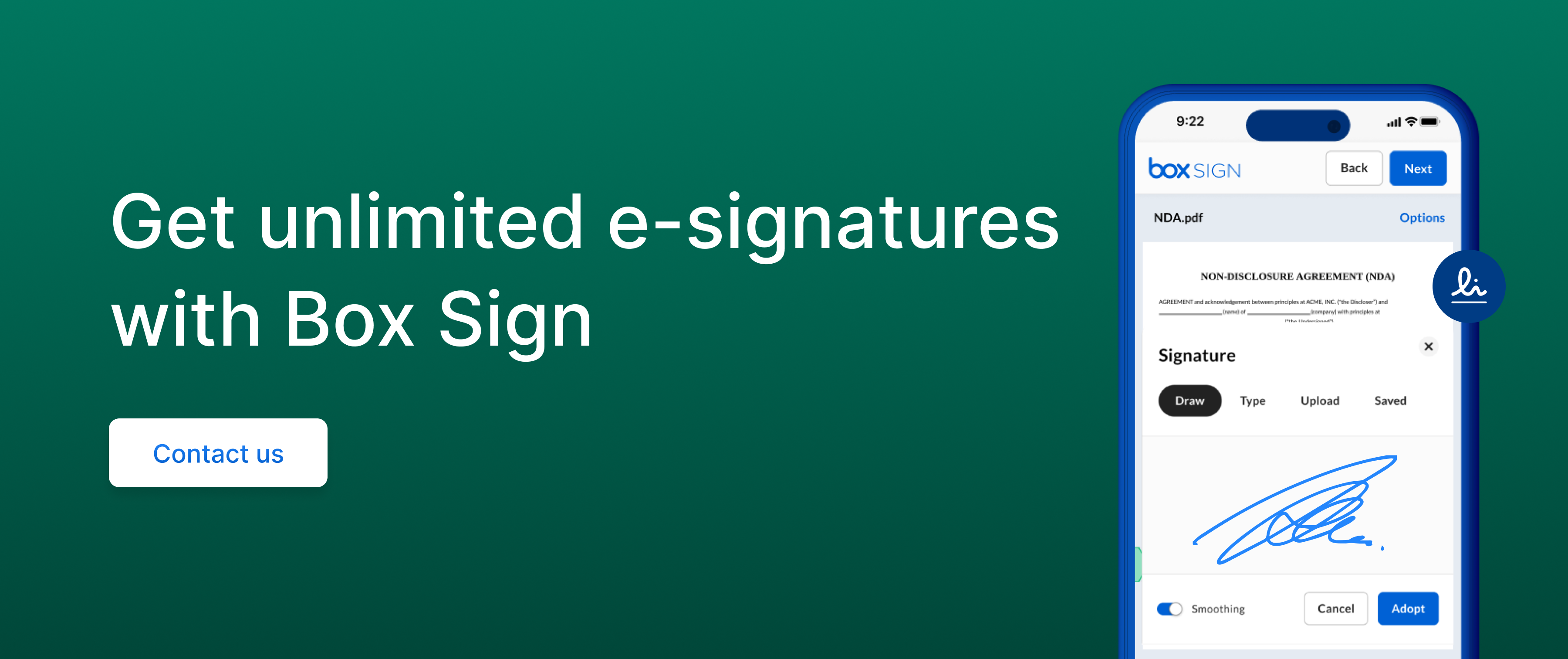
- A signature you draw on the screen of a device
- The act of checking a box to indicate agreement or consent
In one way or another, people have been signing paperwork for centuries, from ancient seals to autopen systems — signing machines created in the 1800s that helped people sign large volumes of documents at scale. Today, with digital transformation, more and more manual processes are transitioning to the cloud, enabling you to complete contracts without touching paper and delivering better customer experiences.
The most advanced e-signature solutions automate post-signature tasks, enhance collaboration with recipient groups and shared signature requests, and seamlessly integrate with existing tools, making the entire process faster, more efficient, and more secure.
See how to create an electronic signature on a document.
Benefits of electronic signatures
The Insight Partners forecasts that the electronic signature software market will reach $35.7B by 2030, growing at a CAGR of 34.2% from 2022 to 2030. One factor driving this rapid expansion is the increasing adoption of technologies that improve end-to-end services and support more sustainable business practices, like replacing paper-based workflows.
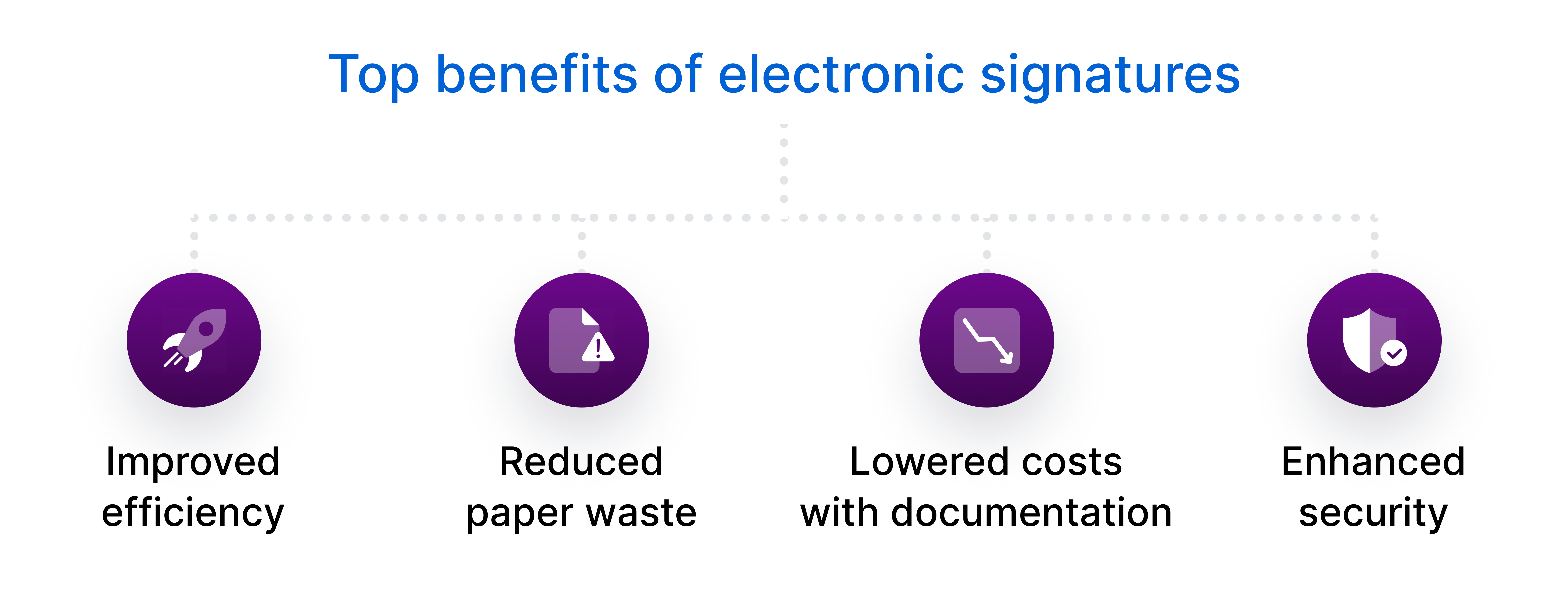
Let’s review the top benefits of electronic signatures.
Improved efficiency
With modern cloud-based solutions, you collect electronic signatures more efficiently by creating workflows directly in applications you already use, such as CRM tools and automation software.
According to Pluralsight’s State of Cloud, 94% of organizations are already in the cloud. If that’s your case, you can also use APIs and development tools to integrate e-signatures into your existing workflows without switching between platforms.
Reduced paper waste
Once everyone has signed a contract electronically, each signatory typically requires a copy for their own records, which means more printing, scanning, faxing, and shipping. These extra steps add expenses and create unnecessary productivity drains for both internal and external stakeholders.
E-signature allows each party to access their signed document instantly, reducing the time and resources spent on printing and mailing. This method makes the approval process more environmentally friendly and efficient, as you cut down on paper usage and logistical hassles that contribute to waste and delays.
Lowered costs with documentation
Think of the expenses traditionally connected to signing documents: paper, ink, or toner, along with the ongoing maintenance of printers and copiers. There are also postage or courier costs, plus the time spent delivering envelopes to the post office or scheduling a courier pickup.
Electronic document signing capabilities not only eliminate many of the typical office costs but also cut down on travel expenses, particularly for delivering sensitive documents.
Enhanced security
Paper documents are prone to loss and damage — and require physical storage, which often takes up space and time to manage. Signing an electronic document using a secure platform offers many advantages that include:
- Recipient authentication: This process helps prove the signer’s identity, so that only authorized individuals can execute the document
- Tamper-proof seals: This functionality provides an immutable record of the document’s integrity, protecting your document from any changes after signing
- Digital watermarking: This technique embeds imperceptible, traceable information within the document, serving as a tool to verify authenticity and prevent duplication
- Online backup: This feature keeps critical files safe by automatically storing them in the cloud, protecting content against device failure, theft, or physical damage
- Granular access control: This capability helps set customized permissions for each user, preventing data breaches by limiting access to documents
- Scalable cloud data storage: This core element ensures security remains robust and your data stays accessible as it grows, without the risk of hardware failure or capacity constraints
- Compliance controls: Automate and customize compliance processes with features that enforce documentation standards, such as retention policies and cloud encryption
Discover how cloud compliance benefits your business.
Popular electronic signature use cases
Take a look at some of the most meaningful electronic signature use cases.
1. Sales
Electronic signatures speed up your sales cycles by making it easier to collect signatures on contracts and non-disclosure agreements (NDAs), eliminating bottlenecks in the process. If there’s a delay in the signing process, your sales team can quickly confirm if the lead is still interested in your product or service.
2. Human resources
The use of electronic signatures in human resources departments simplifies workflows by ensuring new hires can easily sign employment contracts and acknowledge handbooks, with the system guiding them through each required field.
Since e-signatures reduce or eliminate much of the back and forth on the contract terms, a new team member can go from offer to HR onboarding in less time.
3. Procurement
Working with new vendors helps your company save money, especially if the new supplier charges less or provides better service. But onboarding is often time-consuming, cutting into your bottom line.
With a cloud-based platform, you send new vendor agreements instantly, speeding up the onboarding process. If you collect electronic signatures, your new vendors can sign agreements right away and provide the services or materials without delays.
4. Legal
The legal department can use electronic signatures to minimize compliance risks involving contracts and non-disclosure agreements. With platforms that offer contract management capabilities, you easily automate tasks like document routing, while enforcing security and compliance protocols.
5. Administration
If your admin team spends a considerable amount of each day collecting or following up on contracts, collecting leases, or gathering NDAs, using e-signatures will streamline their workdays.
For example, with a cloud-based platform, your executive and administrative assistants can use electronic signatures to have members of the management or executive team sign off on projects or agreements when needed, from any device.
6. Marketing
Say your marketing team wants to work with an external agency for your company’s next campaign and needs the executive team’s approval. By collecting electronic signatures internally from executives and externally from the agency, they avoid logistical headaches and keep projects moving quickly.
7. Finance
Your finance department approves invoices electronically and signs off on budgets using e-signatures. Implementing a system that powers digital workflow automation helps optimize routine tasks without compromising security or compliance standards.

Note that the use of electronic signatures is subject to laws that vary by location and specific applications. It’s important for your business to understand the requirements that apply in your region.
Secure your electronic signature workflows with Box Sign
Box is the leading Intelligent Content Management platform — empowering teams to create, edit, and collaborate on content from anywhere and any device. From creation to sign-off, our platform streamlines document management with flexible storage, governance, and AI-powered capabilities to build faster workflows.
As a native part of our ecosystem, Box Sign offers unlimited electronic signatures and a secure, seamless experience at no additional cost to Box customers.
With Box Sign, you can:
- Use Box AI to automate e-signature processes like document routing and approval requests
- Collect secure and compliant signatures while protecting sensitive information
- Embed Box Sign into your website with APIs and developer tools
- Integrate Box with 1,500+ apps and get contracts signed on platforms you use
Whether your business is large or small, Box Sign and our other native features help support your content needs.
Contact us and see how Box Sign empowers teams with seamless electronic signatures.
**While we maintain our steadfast commitment to offering products and services with best-in-class privacy, security, and compliance, the information provided in this blogpost is not intended to constitute legal advice. We strongly encourage prospective and current customers to perform their own due diligence when assessing compliance with applicable laws.